
Mac · iPhone · iPad
Count what matters,
every day.
Countly keeps your daily routines one click away in the Mac menu bar, and one tap away on iPhone and iPad. Check in, count toward a daily target, and keep the streak going.
Requires macOS 14, or iOS and iPadOS 18, or later. Syncs through your own iCloud.
Routines
Two kinds of routine.
One daily target.
Some things you do once a day. Some you do a few times. Countly handles both, and every routine starts fresh each morning.
Check-in
Done once a day: reading, a run, meditation. One tap marks it done, and another tap undoes it.
Count
Done several times a day: glasses of water, stretch breaks, pages. Add and subtract until you reach the target you set.
141 icons
Ten categories, from health and sports to work, travel and home, so every routine is easy to spot at a glance.
On the Mac
Always one click away.
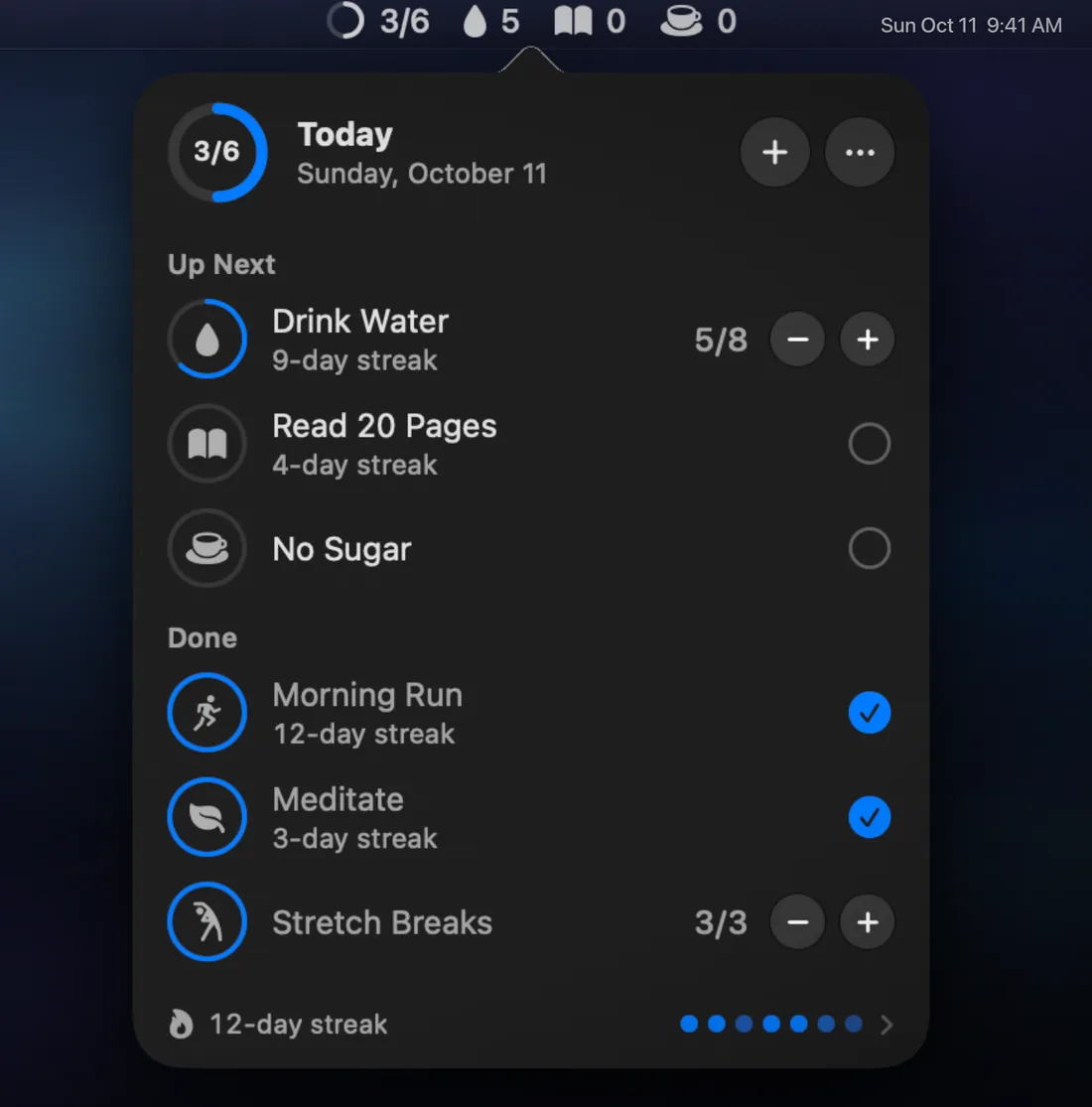
Your routines live in the menu bar, next to the clock. Count without opening a window.
- The menu bar shows today. Today's progress, plus the routines still to do, right in the menu bar. Turn on Show Total for a routine to see today's count beside its all-time total.
- A popover for everything else. Count up and down, check in, add and edit routines.
- A floating window that stays above other windows and grows with your list.
- Interactive widgets. Small and medium desktop widgets with their own check and count buttons (macOS 15.5 or later).
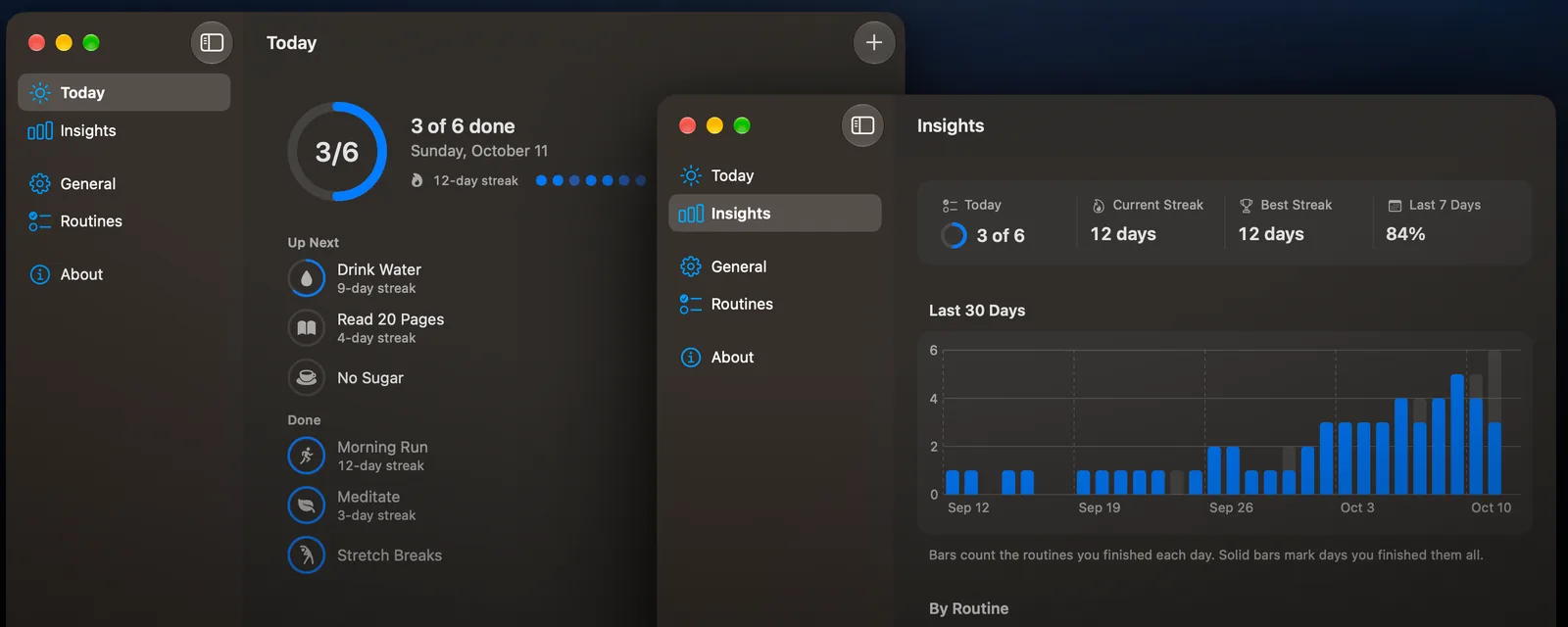
- Today and Insights in a full window, with archive and restore for routines you've retired.
On iPhone and iPad
Your whole day.
One glance.
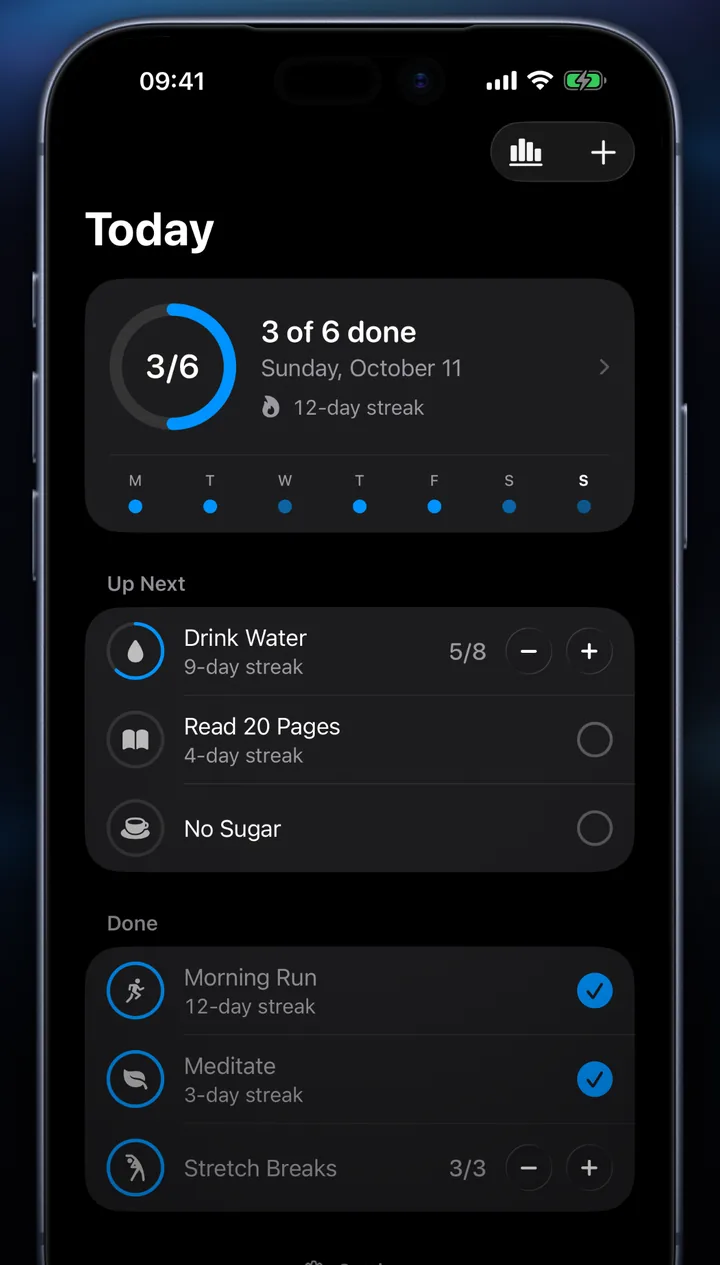
- Today puts a progress ring on top, then what's up next and what's done.
- One tap to check in, or plus and minus to count.
- Reminders at the time you choose, routine by routine.
- Templates to get started: reading, water, a walk, sleeping early, stretching and mindfulness.
- Room to breathe on iPad. Wide windows show your routines and your trends side by side.
History and insights
See the pattern.
Keep the streak.
- Current and best streak for every routine, and for your day as a whole.
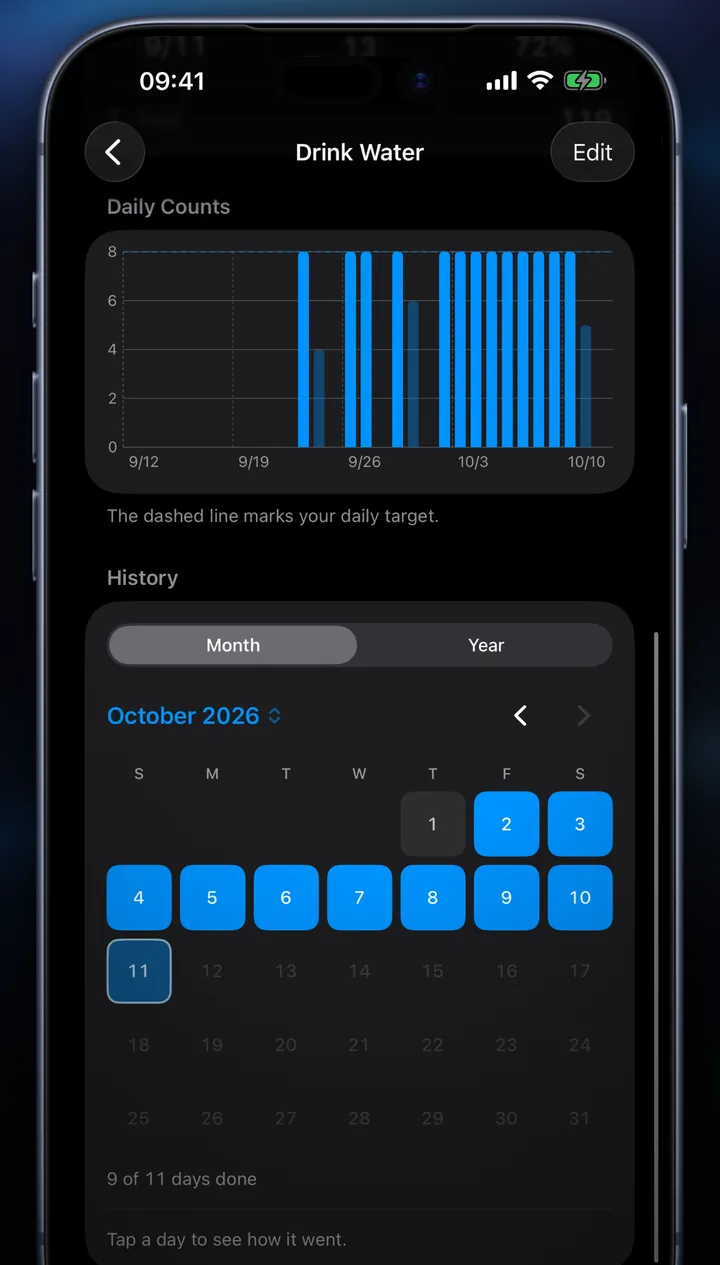
- The last 7 and 30 days as a completion rate and a daily chart.
- Month and year calendars on iPhone and iPad, going back as far as you've been counting.
- Daily counts charted against your target, with a success rate for each routine.
Sync and privacy
Yours, on every device.
In your iCloud
Your routines and counts sync between your Mac, iPhone and iPad through your own private iCloud. There's no Countly account to create, and we can't read your routines.
One switch for statistics
Usage statistics and crash reports help us fix problems. They never include your routine names or counts, and one switch in Settings turns them off. Read the privacy policy.